Face Recognition

  1. Home
  2. Face Recognition

Face Recognition

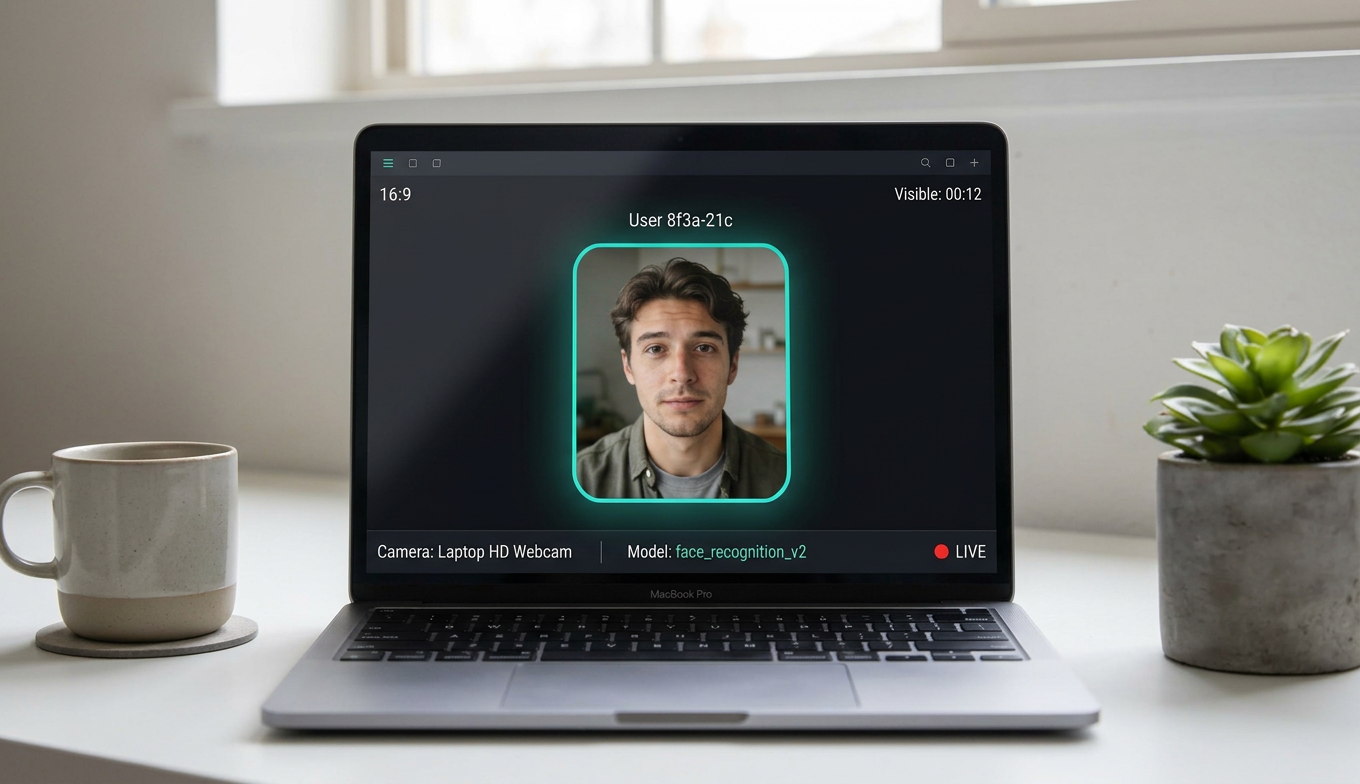
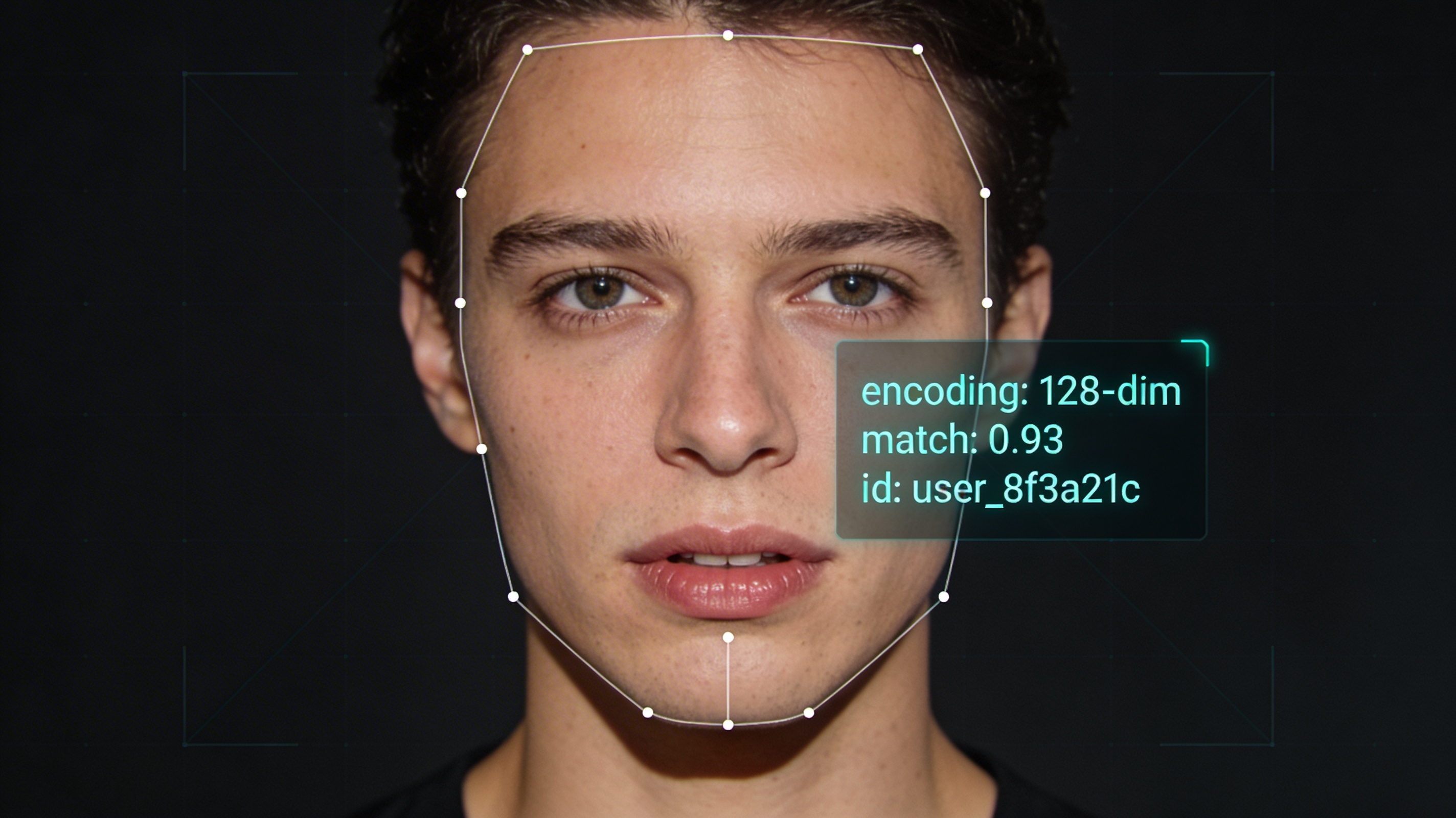
A Python application for real-time face recognition from a webcam. The system uses OpenCV for video capture, drawing bounding boxes, and rendering the interface, while the face_recognition library powered by dlib handles face detection and computes face encodings.

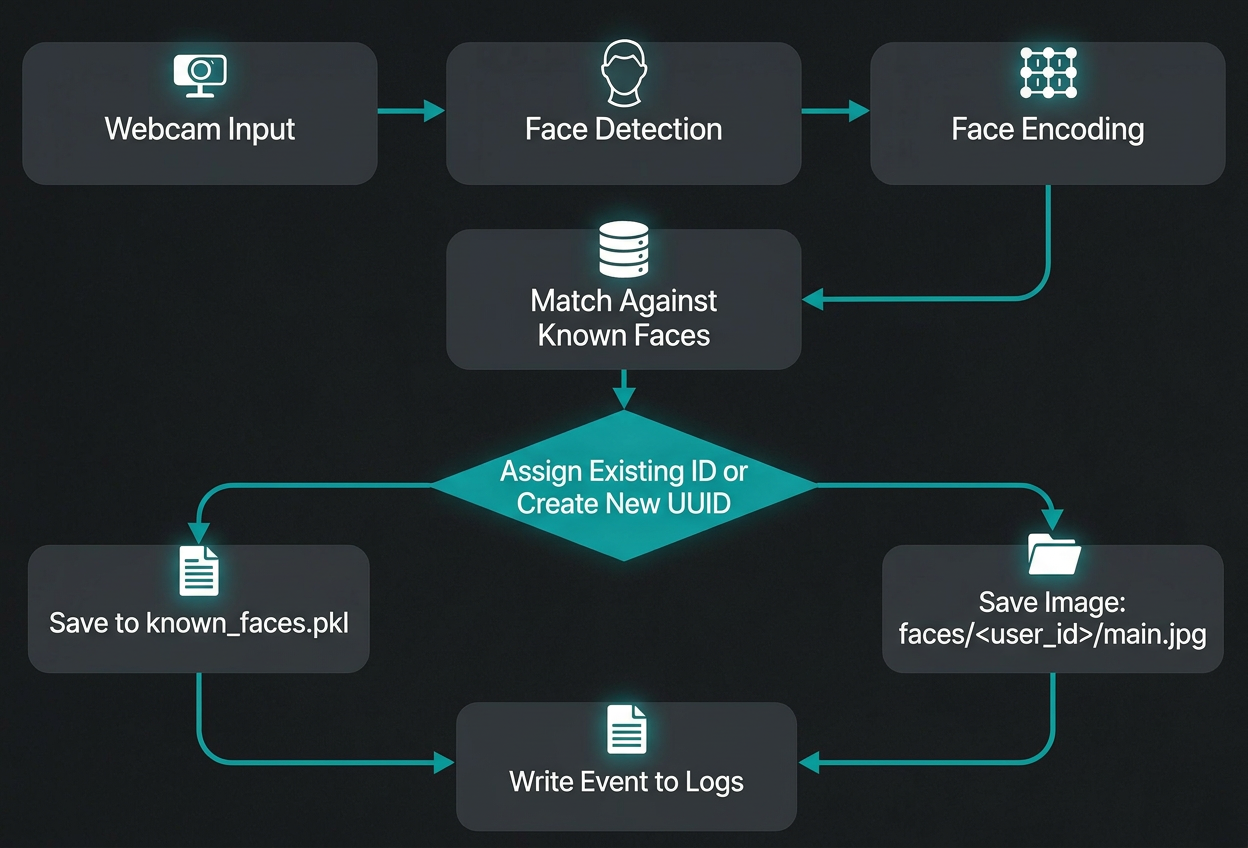
The project is designed for autonomous operation: new faces automatically receive a UUID, are saved as Unknown, get their first photo, and store an initial embedding. The system keeps a global event history, separate logs for each person, and can accumulate new encodings over time to improve recognition stability.

  • Category :Computer Vision / Python
  • Stack :Python, OpenCV, face_recognition, dlib, pickle
  • Mode :Offline / Real-time Webcam
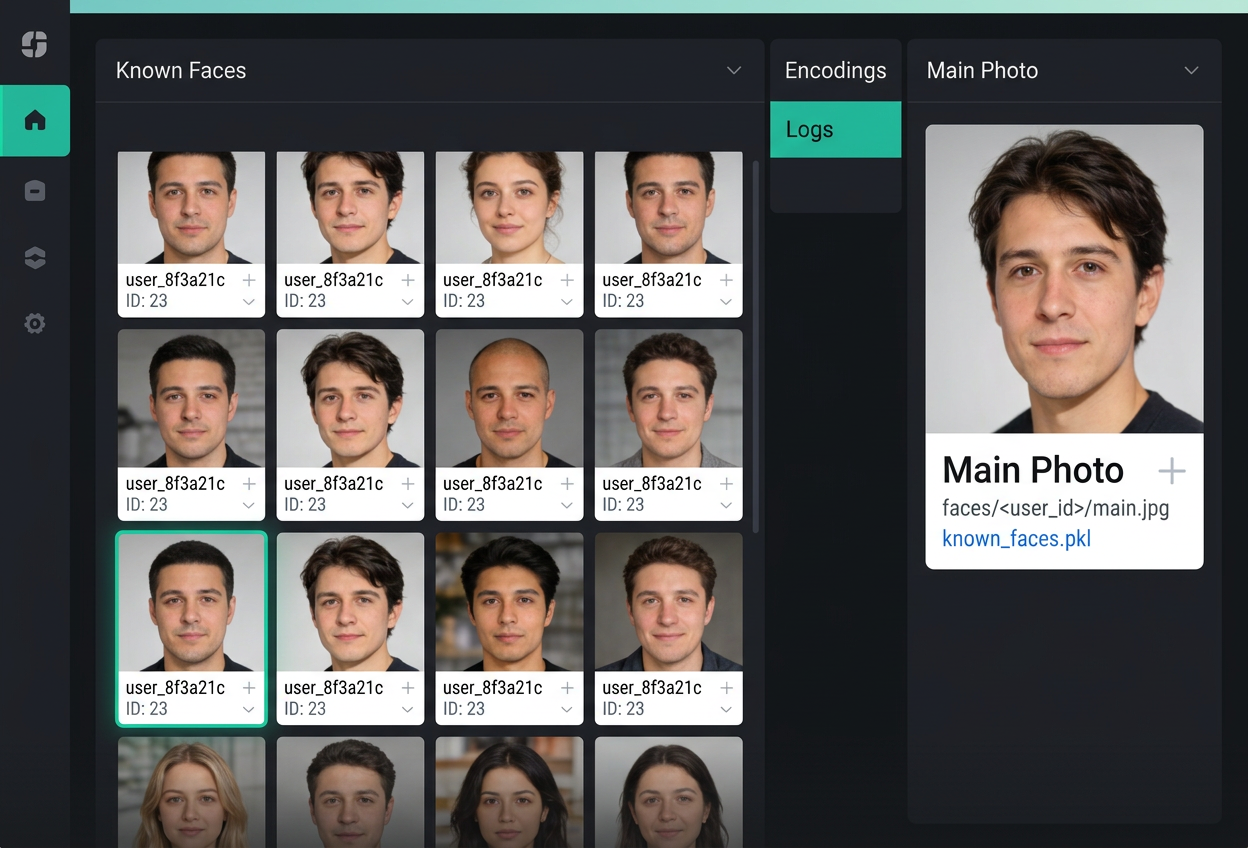
  • Data Store :known_faces.pkl + faces/<user_id>/
  • Identity Model :UUID + Auto-learning Encodings
  • Controls :q / w / d
  • Status :Portfolio Concept / Implementation Ready

Core Features

The system is designed as a single file with clear functions, making the code easy to move, run, and extend without a complex project structure.

  • Frame capture from the webcam and on-screen rendering via OpenCV.
  • Face detection and encoding comparison through face_recognition.
  • Automatic creation of a new ID and saving the first face as main.jpg.
  • Attempting to restore the same ID by position when the encoding temporarily fails.
  • Updating a profile with new encodings when the face matches but the angle is new.

"The goal of the project is not just to recognize a face in a frame, but to maintain a stable identity for the same person across frames, even when the model receives noisy or incomplete embeddings."

Design Note - Identity Persistence

Architecture

The known face database is stored in known_faces.pkl: for each UUID, it keeps the name, a list of encodings, the first and last seen timestamps, and service metadata used for matching. On each frame, the system gets face coordinates, computes a face encoding, compares it with existing profiles, and selects the best match by distance. If no direct match is found, a proximity check against the most recently seen position is used to restore the previous ID during short recognition failures. Visibility time is calculated as the interval between the first detection of a face in the current presence session and the last frame where that face is still visible.

Implementation Flow

  • Load the known_faces.pkl database at application startup.
  • Read frames, detect faces, and compute coordinates and encodings.
  • Match a face by embedding first, then by spatial proximity.
  • Update the presence timer and render the name with elapsed time on screen.
  • Use w to rename an ID and d to delete the record and artifacts.

What Is Stored

  • known_faces.pkl stores the list of people and their encodings.
  • faces/<user_id>/main.jpg stores the main profile photo.
  • Additional face snapshots can be saved inside each user folder.
  • A global log records all events, while a separate log is kept for each UUID.
  • Deleting an ID removes the database entry, photos, and related logs.

Related Projects

AI JARVIS

AI JARVIS

Offline Assistant / Personalization
Website Stack

Website Stack

Portfolio / Startup / Club Sites
Swarm Drones

Swarm Drones

Arduino / Swarm Intelligence

Project Summary

Send a direct message about this project and it will be delivered to my email.